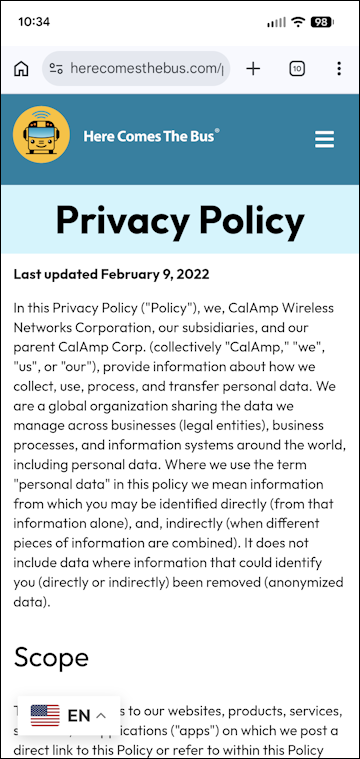
If you'd like to see the Terms of Service to which you agreed when you created a Here Comes the Bus (HCTB) account or the privacy policy that CalAmp promises — including how the company plans to protect your personal data, CalAmp's reserved rights, conditions of use, disclaimers, system requirements, and cancellation policies — you can view them via the app by following these steps:
- On any HCTB screen with the main menu at the bottom, tap More. (Tap Back if needed to return to such a page.)

Note: The More menu contains pages that don't fit on the main menu.
The More menu will appear.
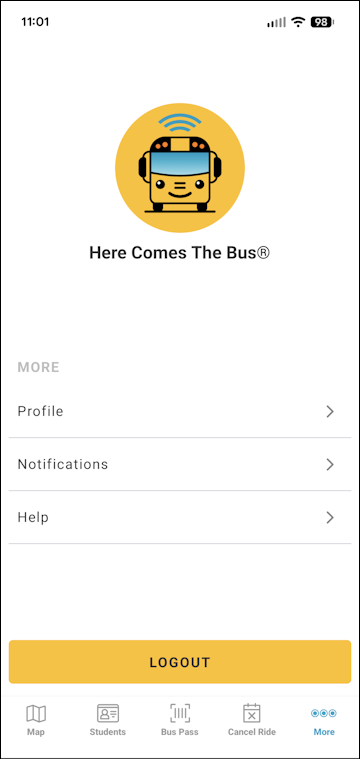
Note: The items on this screen may be different for you, as the main menu options reflect which modules your school district has (and everything that is left is shown here). - Tap Help.
The Help screen will appear.
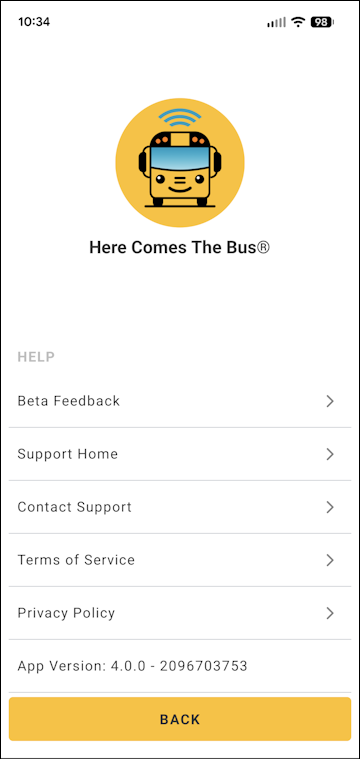
- To see the terms of service, tap Terms of Service.
The HCTB website will appear and display the terms of service.
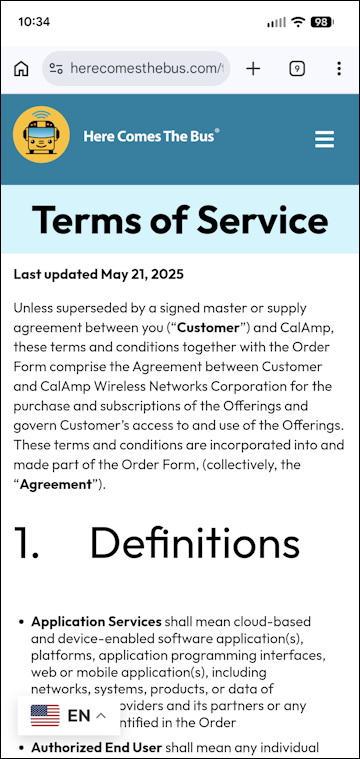
- To see the privacy policy, tap Privacy Policy on the HCTB Help screen.
The HCTB website will display the most recent privacy policy.