
If you need to update the first or last name you use for your Here Comes the Bus (HCTB) profile in the new app, follow these steps:
- On any HCTB screen with the main menu at the bottom, tap Profile. (Tap Back if needed to return to such a page.)

Note: If you don't see the Profile item in the menu, tap More and then select Profile. (The More menu contains pages that don't fit on the main menu.)
The Profile screen will appear.
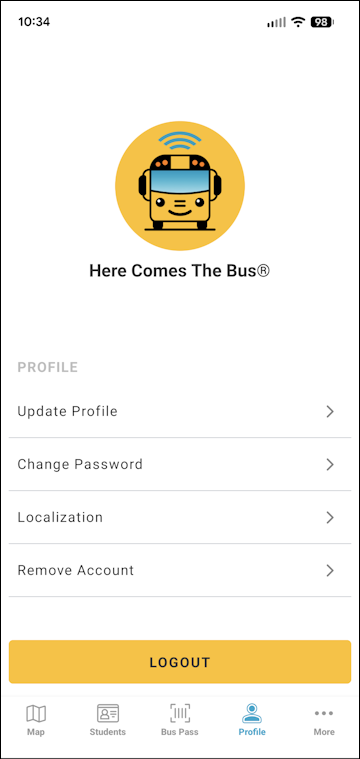
- Tap Update Profile.
The Update Profile page will appear.
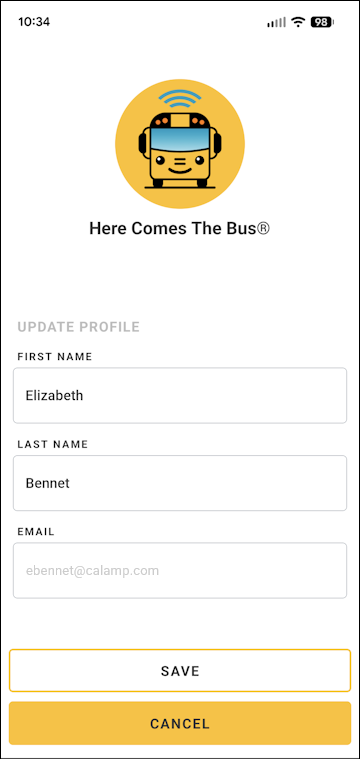
- To change your first name, select the text in the First Name field and type the new name.
- To change your last name, select the text in the Last Name field and type the new name.
- Tap Save at the bottom of the screen.
A success dialog box will appear.
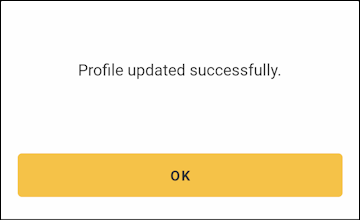
- Tap OK.
You will be returned to the Profile screen and will receive an email informing you that your profile has been updated.