
If you would like to change your unit of measurement (UOM) and the language of your Here Comes the Bus (HCTB) notifications using the new app, follow these steps:
Note: You can't change the language of all the text in the HCTB app using the procedure below. This depends on the language of your cellular device. For example, if your smartphone's language is set to Spanish, when you install HCTB from Google Play or the Apple App Store, the app will detect the device's default language and automatically display all the app text in Spanish.
If you need to change all the app's text to English, French, or Spanish, first make that the default on your mobile device. You might need to reinstall the new app for HCTB to reassess the language to use.
Also note that these are currently the only three languages supported by HCTB. If your device's default is a different one, the app will display the text in English.
- On any HCTB screen with the main menu at the bottom, tap Profile. (Tap Back if needed to return to such a page.)

Note: If you don't see the Profile item in the menu, tap More and then select Profile. (The More menu contains pages that don't fit on the main menu.)
The Profile screen will appear.
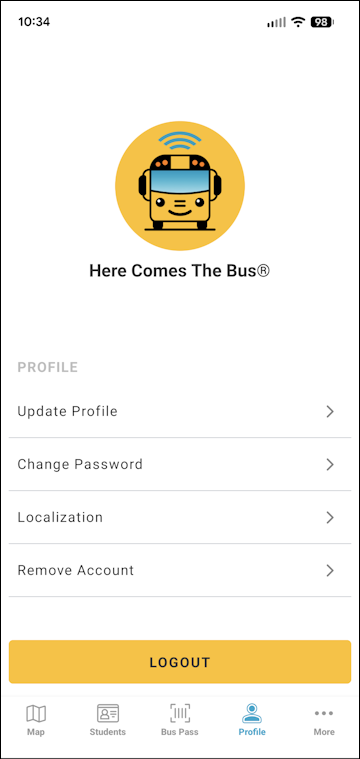
- Tap Localization.
The Localization screen will appear.
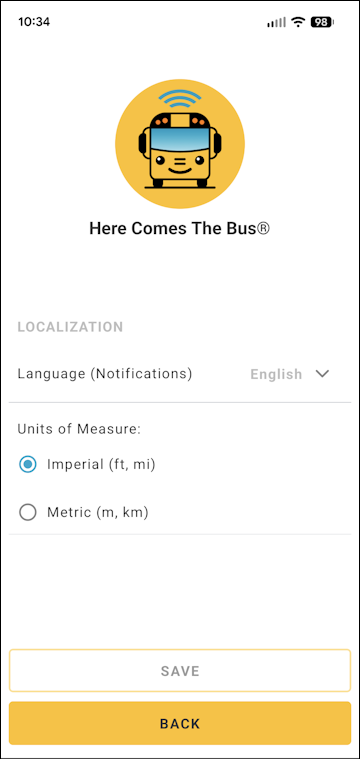
- Tap Language (Notifications).
The language options will appear in a menu (English, French, and Spanish).
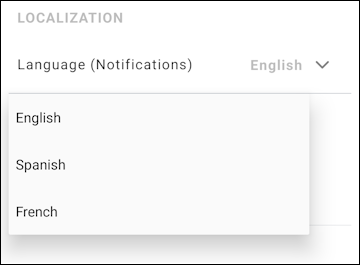
- Tap the language in which you want to receive your notifications.
- To change your unit of measurement, tap the radio button of the UOM you need (Imperial or Metric).
- Tap Save at the bottom of the screen.
A success dialog box will appear.
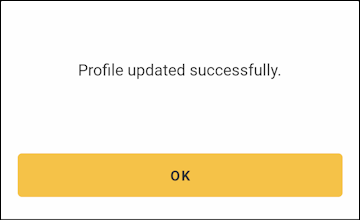
- Tap OK.
- You can tap Back to return to the Profile screen.
You will receive an email in the new language informing you that your profile has been updated (such as "Tu perfil se ha actualizado").
Note: It may take up to 24 hours for the notification language change to take effect.