
If you need to remove a student from your Here Comes the Bus (HCTB) account using the new app, follow these steps:

- On any HCTB screen with the main menu at the bottom, tap Students. (Tap Back if needed to return to such a page.)
The Students screen will appear and list all the students in your HCTB account.
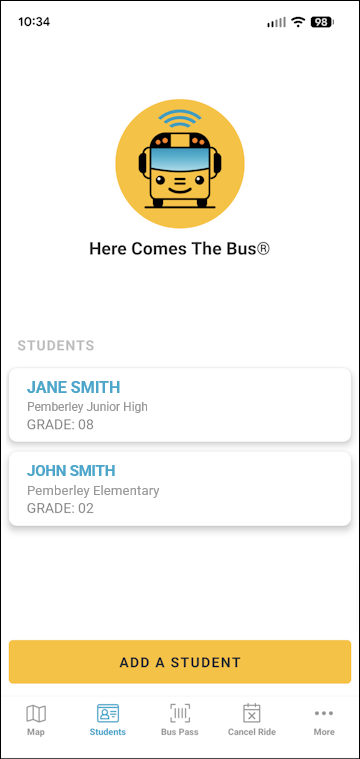
- Tap the name of the student to remove.
Their student data will be displayed.
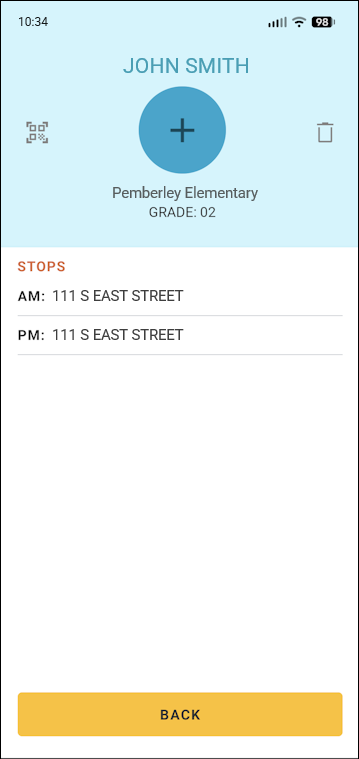
- Tap
 to the top right.
A confirmation dialog box will appear.
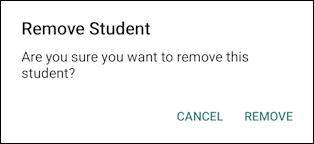
- Tap Remove.
You'll be returned to the Students screen, and the student will no longer be in the list.