
If you've forgotten your Here Comes the Bus (HCTB) password, you can reset it using the new app as follows:
- Open Here Comes the Bus from your list of apps.

You'll be presented with the first login screen.
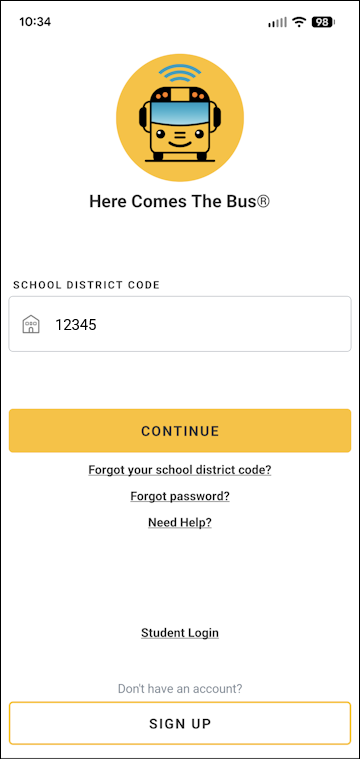
- Tap Forgot Password?.
The Forgot Password? screen will appear.
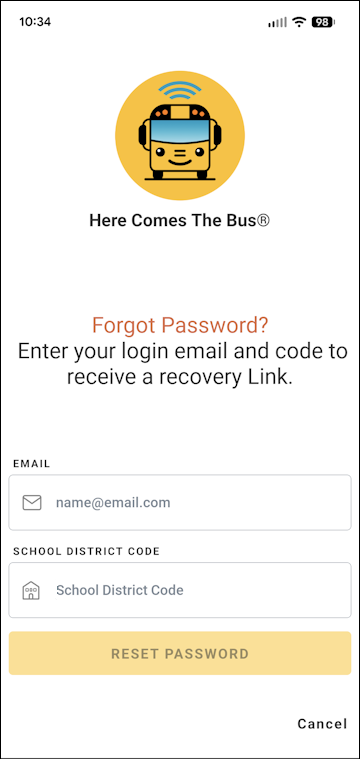
- Tap in the Email field and type the email address you use for HCTB.
- Tap in the School District Code field and type your district's code, which is usually a five-digit number.
- Tap Reset Password.
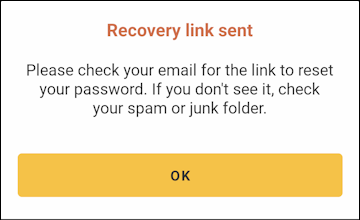
The Reset Link Sent dialog box will appear, and you will be sent an email with a link to reset your password.
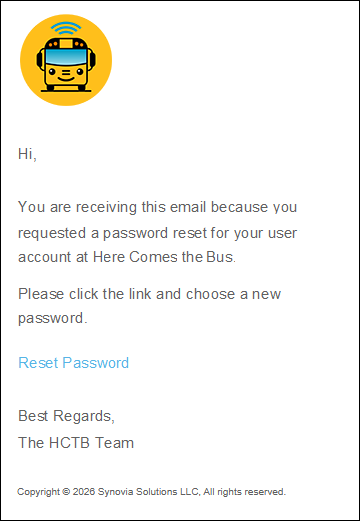
Note: If you don't see that email in your Inbox, check your junk mail folder. - Tap Reset Password in the email.
You'll be taken to the Change Password screen on the HCTB website (not in the app) to reset your password.

- Type the new password you'd like to use in both the Password and Confirm Password fields.
Note: The password must be between 8 and 16 characters and contain at least one of each of the following: an uppercase letter, a lowercase letter, a number, and a special character. - Select Change Password.
You'll be taken to the Map screen of the website.
- Back in the app, if the Reset Link Sent dialog box is still up, tap OK and then Cancel to return to the login screen. (If not, open the new Here Comes the Bus app from your list of apps.)
- You can use your new password to log in. (See Logging In to the New HCTB App for details, if needed.)